Scouted selects products independently. If you purchase something from our posts, we may earn a small commission.
These are the best products to get you off your phone. Phone addiction is a real thing. In fact, more than 46 percent of Americans admit they suffer from an addiction to their phones. Screen addiction has a variety of proven mental and physical health issues associated with it, and what’s worse is that you might already be addicted and you don’t know it. Did you know that only four hours a day could be considered to be an addiction? Yikes.
I knew I had a problem when I couldn’t put my phone down during my favorite movies, when my board game collection started to pile up unplayed, my guitar started collecting dust, notebooks lay empty, and I stopped reading my ever-present stack of comics by the bed.
I used to be creative and interesting, but all of a sudden I was content to follow creative and interesting people showing off the fruits of their screen-free lives—all because of my newfound relationship with a screen. That damned, infernal, flickering paramour that was always available with an endless scroll of content. I dreaded my weekly Sunday screen time report when my phone tattled on me—to me—and revealed just how many hours I wasted scrolling and consuming when I could have been living and creating. I won’t say how bad it got, but hey, at least I wasn’t in double digits.
Eventually though, I broke free, and so can you. I started with all the usual stuff: leaving my phone in another room at bedtime, deleting apps, and turning off notifications. But there are so many factors to consider: easy access, old habits, dependable dopamine hits, and using my phone for stuff like tracking meals, a to-do list, and taking notes. Convenient at first, but digital shackles by the end. I tried a bunch of stuff that didn’t work, and other than a traditional journal, this is what really helped me kill that destructive habit for good.
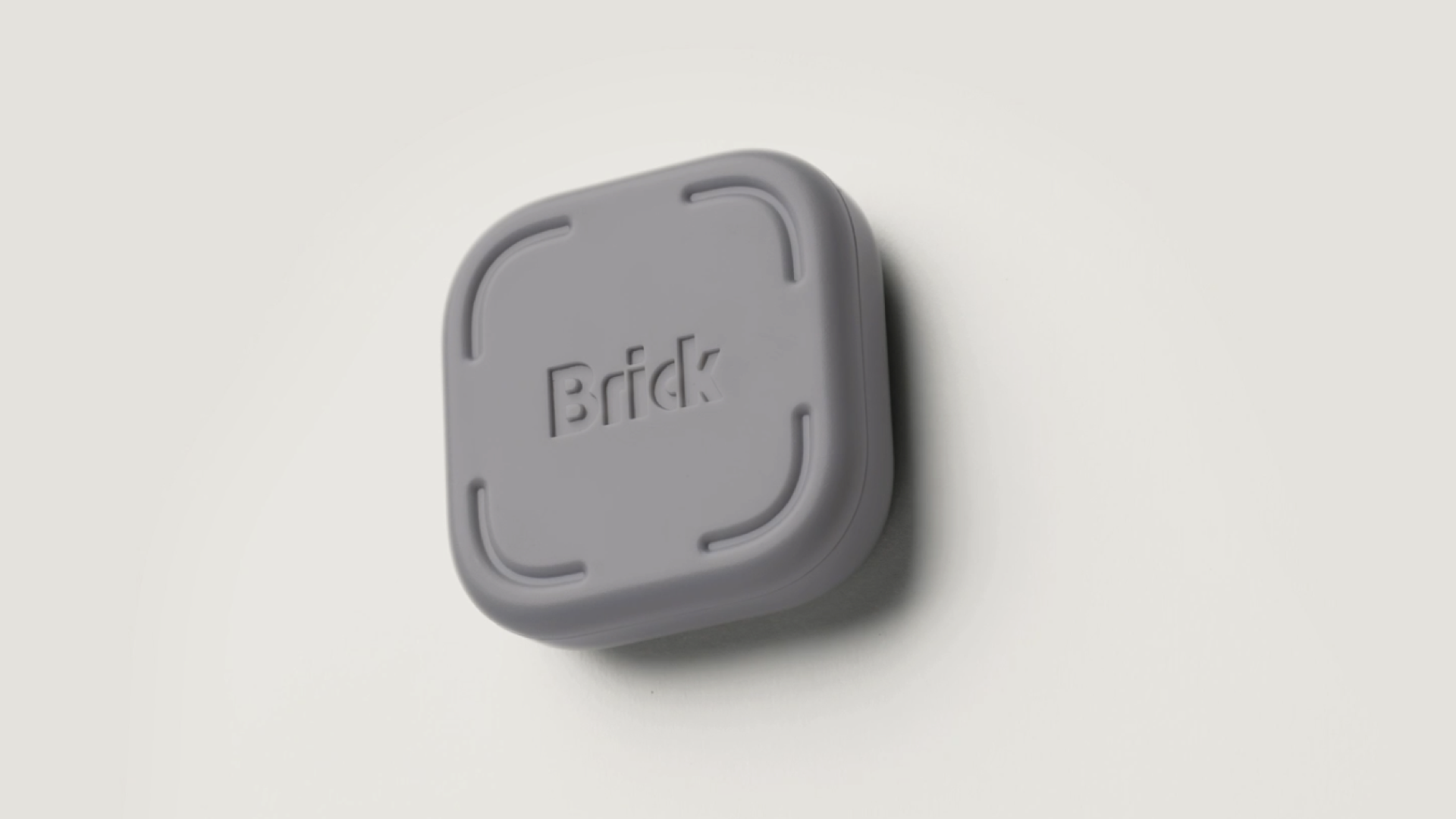
Brick achieves the same vibe as leaving your phone in another room, without actually having to leave it there, in case you’re listening to music or expecting a call. Brick is both an app and a physical device that work together like a lock and key. I use Brick to block access to all social apps, messaging apps, e-mail, browsers, online retailers, games, and Reddit for about 12 hours a day.
I’ve set a schedule that I find really helps rewire my brain to get off screens. Basically, after you get Brick, you download a free app, sign in, register your phone, and then choose which apps you want to block and when. Whenever you tap your phone against the Brick, it blocks access to the apps until they're unlocked, or until you retrieve the Brick and hold it next to your phone while pressing a button in the app. You can use the emergency shutdown feature up to 5 times if you block your phone and need to use it in an emergency, but use it wisely. For me, the scheduled lockout means I can bring my phone with me when I need access to streaming music or reminders, without having to deal with anything else. Having it run on a preset schedule is handy, and the whole lock-and-key aspect of using the brick to physically unlock it is really satisfying. All in all, it has some pretty specific use cases.
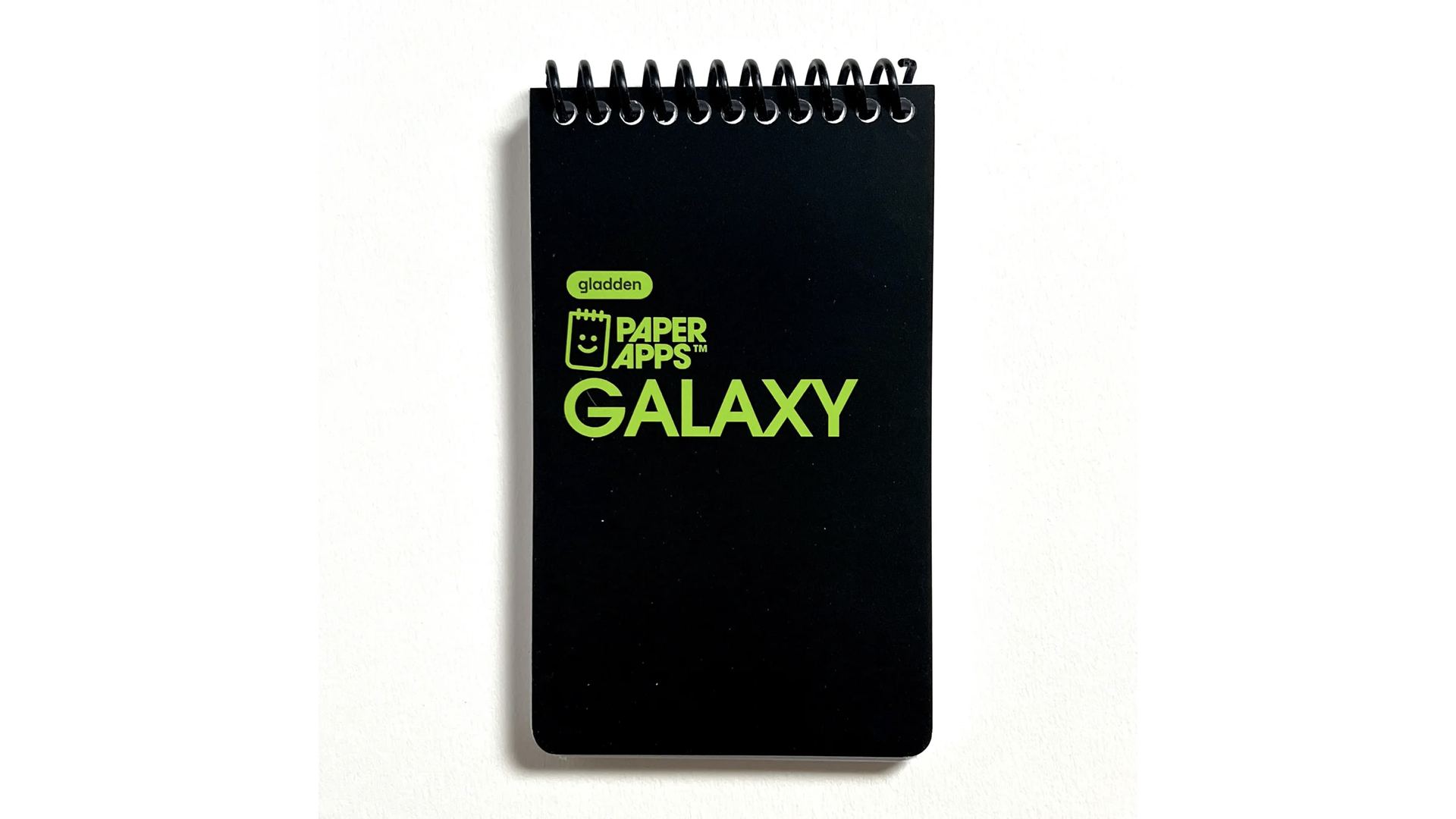
Maybe you think you need a screen to manage your to-do lists, track your steps and meals, or play games by yourself, but Gladden Designs is way ahead of you. Its “Paper Apps” are small, affordable, notebook-sized versions of To-Do, Health Trackers, and solitaire games that add whimsy and fun to self-care. First, the “To-Do” Paper App offers a gamified option that lets you roll a six-sided die to randomly select a task and the time to spend on it. If you don’t have a six-sided die, Gladden has pencils with one to six marks on each of their six hexagonal sides, allowing you to “roll” the pencil to generate a number. It’s fun and adds a playful element to your everyday life, which can help develop new neural pathways. The “Health” app has a minimalist design that lets you track your meals, the date, hours slept, calories in, steps, cups of water, and the exercise you did that day. I promise you, writing this stuff down is much better than storing it somewhere behind your screen.
If you’re looking for games, the company also offers four games in Paper App form: Dungeon, Galaxy, Labyrinth, and Golf. These are their first four games, and each plays uniquely. You just need a pencil, eraser, and a six-sided die. I personally love Labyrinth's “fold-out” status and map tracker, but for gameplay, I prefer Galaxy’s weapon optimization and exploration. These “Paper Apps” gave me something to reach for when I “needed” my phone and offered analog dopamine hits to replace the cynical digital doses I had grown used to. I believe these truly helped me stop tapping and start scribbling in the best way possible!
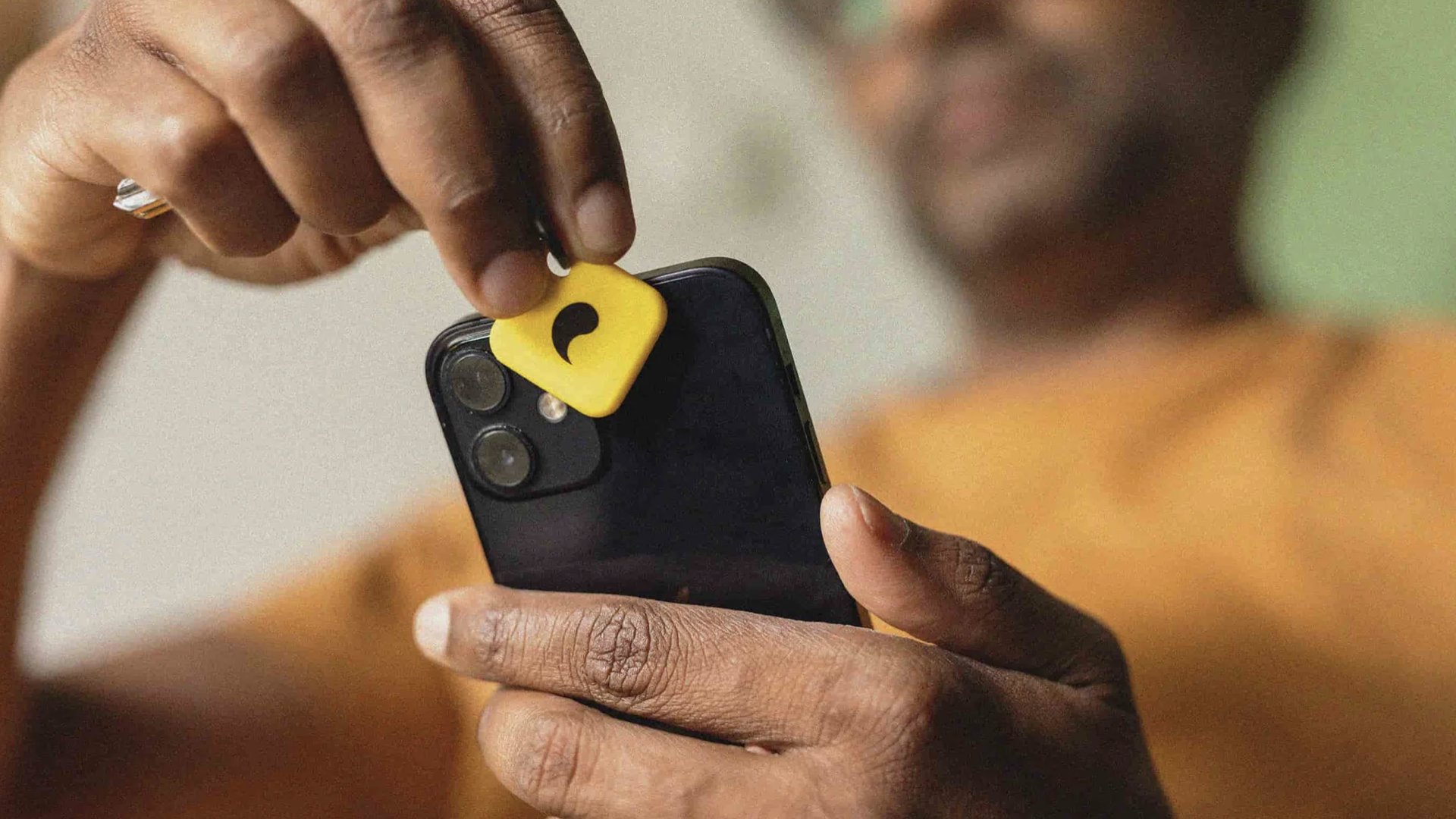
Speaking of whimsy, Unplug introduces the idea of following a pattern in order to unlock your phone. With Unpluq, you can set a schedule to lock certain apps, use the included keychain to unlock them, or go to the app and follow a pattern like Simon Says to unlock them. Again, the schedule feature works best. I enjoyed Unpluq and the unlocking mechanism. Another cool thing is the ability to set multiple schedules on different apps and at different times. For example, you can schedule a lockout of Slack, Teams, and other work apps when you get off work and keep them that way till you’re supposed to sign on the next morning. Meanwhile, your messaging apps unlock around the same time, so you can text on the train ride home. It’s a neat feature. Unplug also features a keychain-like device that acts as the lock/unlock. It is a version of similar devices that is meant to be taken with you.
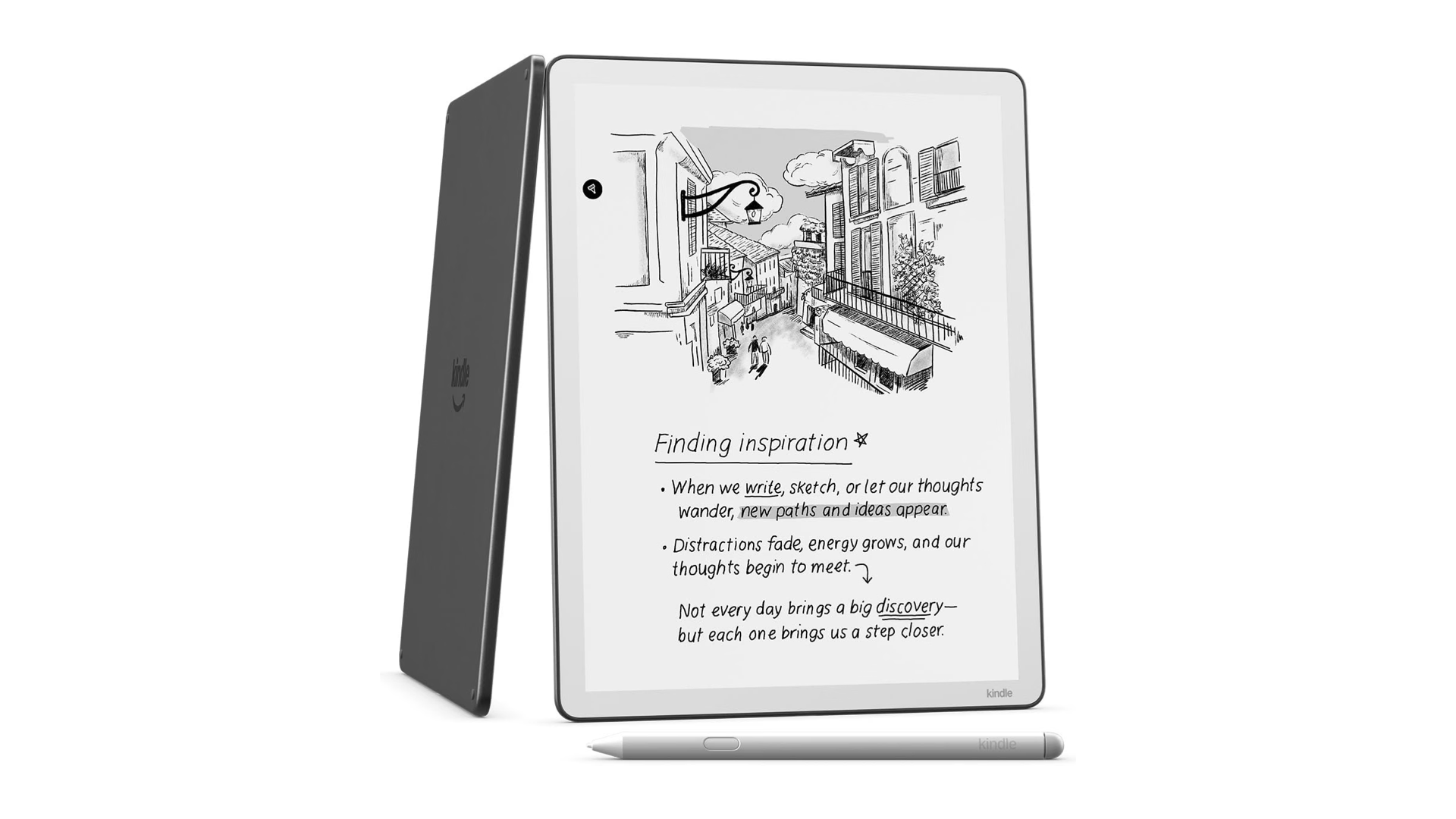
I’m using the power of screens to get you off them. The problem with smartphones is the mindless, fog-inducing, forever scroll of inane content that eats you alive. The reason the Kindle Scribe works to get you off your app addiction is that while it is a screen, the only real apps on it are your Kindle library and a robust selection of “papers” for you to draw, doodle, take notes, and goof around on. I do some design work in the card game space, and I also like to doodle and draw. One thing about my notebooks: all the good stuff stays there. With the Kindle Scribe, I can drop whatever I develop into a folder of my choice on my desktop for later evaluation and manipulation with the appropriate programs. I can take my scribe to bed, draw, redesign stuff, and drop the good things into a folder for later revisions. I can do all of this while listening to an audiobook because it plays from your library to any Bluetooth speaker. It’s really convenient for the more creative people. The stylus feels so natural and easy to use. I wasn’t sure if I could go from pen and paper to plastic on glass, but it was a pretty painless process. I like using the different grids to play with 3-D drawings of faces and stuff. Remember, moving files goes both ways. You can’t surf the web or doomscroll on the ScrIbe, but you can drop some of those PDF’s you’ve been collecting in here to check them out at your leisure. So, if you're the type of person who downloads rare books, old role-playing game rulebooks, or whatever onto your desktop, you can put them in a context where sitting around and reading them makes sense. And I like that I can write on or highlight stuff in my docs for later review. Of course, you can drop files and stuff from work here to review them, but I’m not one to suggest working when off the clock. But you could. But I wouldn’t.
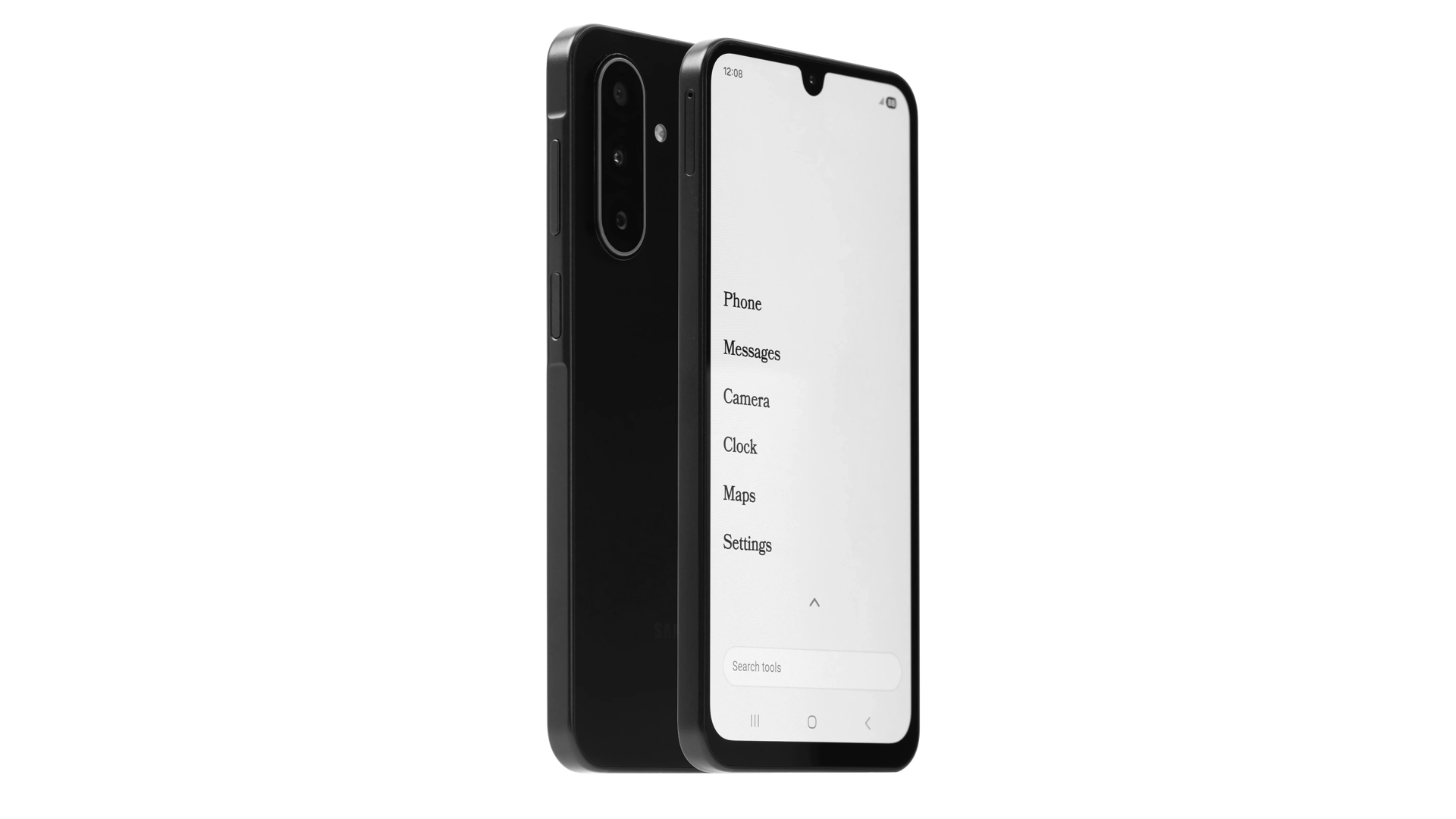
Here we are again, talking about screens to break screen time. I know you’re already sitting there with your fingers cocked and your comments loaded. But hear me out: The Wisephone 2 is fighting fire with fire. The problem with screens and our addiction to them isn’t some inherent pull to the device; it’s the apps on that device. It’s the gambling, the scrolling, and the commenting that give you dopamine. The Tricorders on Star Trek weren’t filled with social media and casino apps: they were purely functional devices. Wisephone has reimagined your smartphone as a purely functional device. Wisephone only has what it calls “Life Essential Tools”
You’ll still have access to Banking apps, your calendar, ride-share apps, music, weather, and travel apps. But you won’t have the big four of social media, web browsing, or explicit content. Wisephone is also wise enough to include a phone so you can still take pictures and message. Basically, you have all of the fit and none of the fat. It is the leanest smartphone available, specifically designed to break the patterns, habits, and loops that have made so many of us zombies. Jumping to a whole new phone might seem extreme, but if the alternative is the equivalent of a part-time job at six hours a day of doomscrolling, you have more to gain than lose.
We’re so creative when it comes to cataloging the various self-destructive habits we’ve inherited from big tech ghouls in the last few years: Doomscrolling, ragebaiting, brainrot, gooning, trolling, and slop all entered the lexicon to describe our descent into smartphone psychosis. So, why not get creative with how we cut the cord? Whether you blame the algorithm or yourself, I’ve found that you can break free of your phone if you’re willing to admit that something isn’t working. A life is waiting for you beyond the outrage, the thirst traps, and the validation of a notification symbol. It’ll take time, and you’ll need to sublimate that energy and support your willpower with a few goods and services here and there, but it’s worth it.